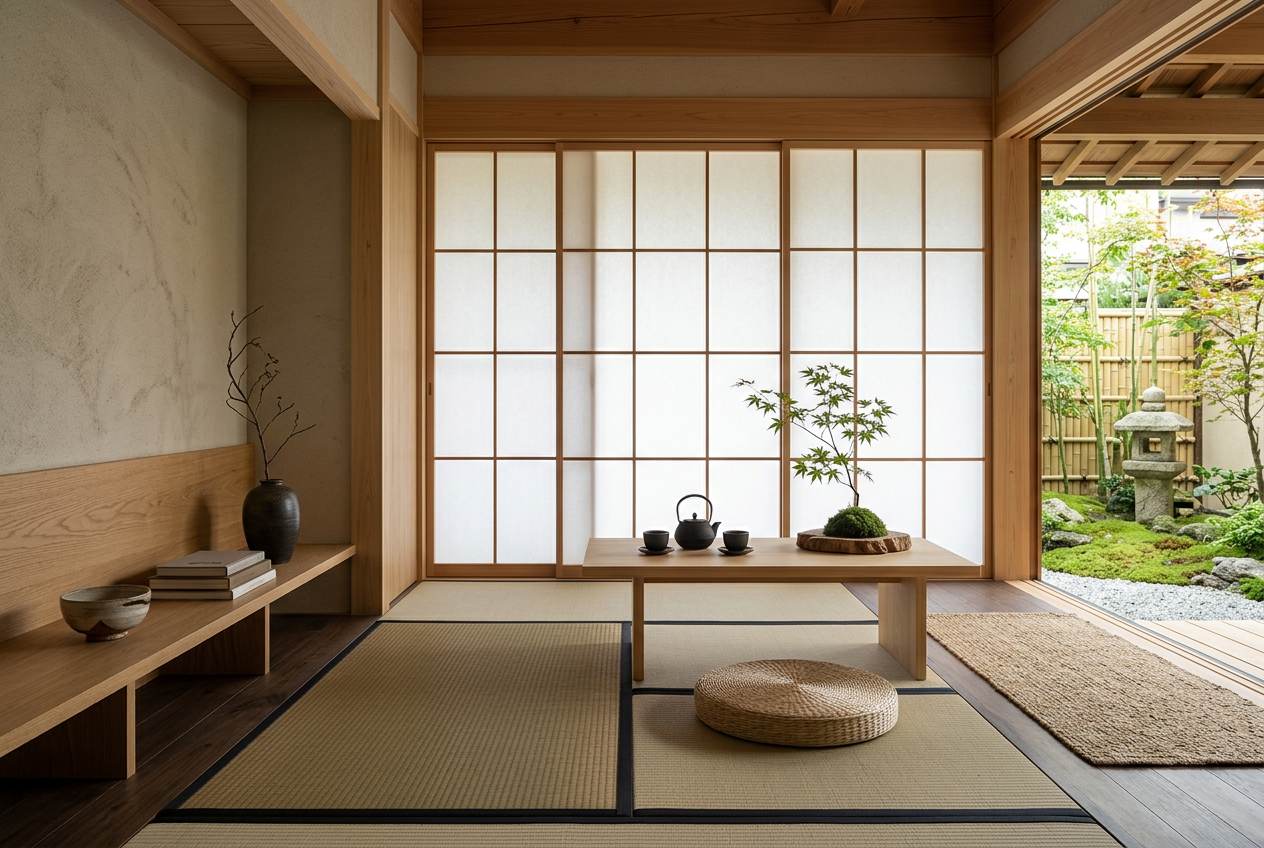
AI Home Design – Redesign Your House from a Photo

Upload a photo to explore interiors, exterior finishes, wall colors, furniture and planting ideas before you renovate.

Upload a photoJPG, PNG or WebP · Up to 10 MB
Style
Standard 1K · 5 credits

Interior styles

View all styles

Before and after, with the details

These team image studies show what changed and what stayed in view.

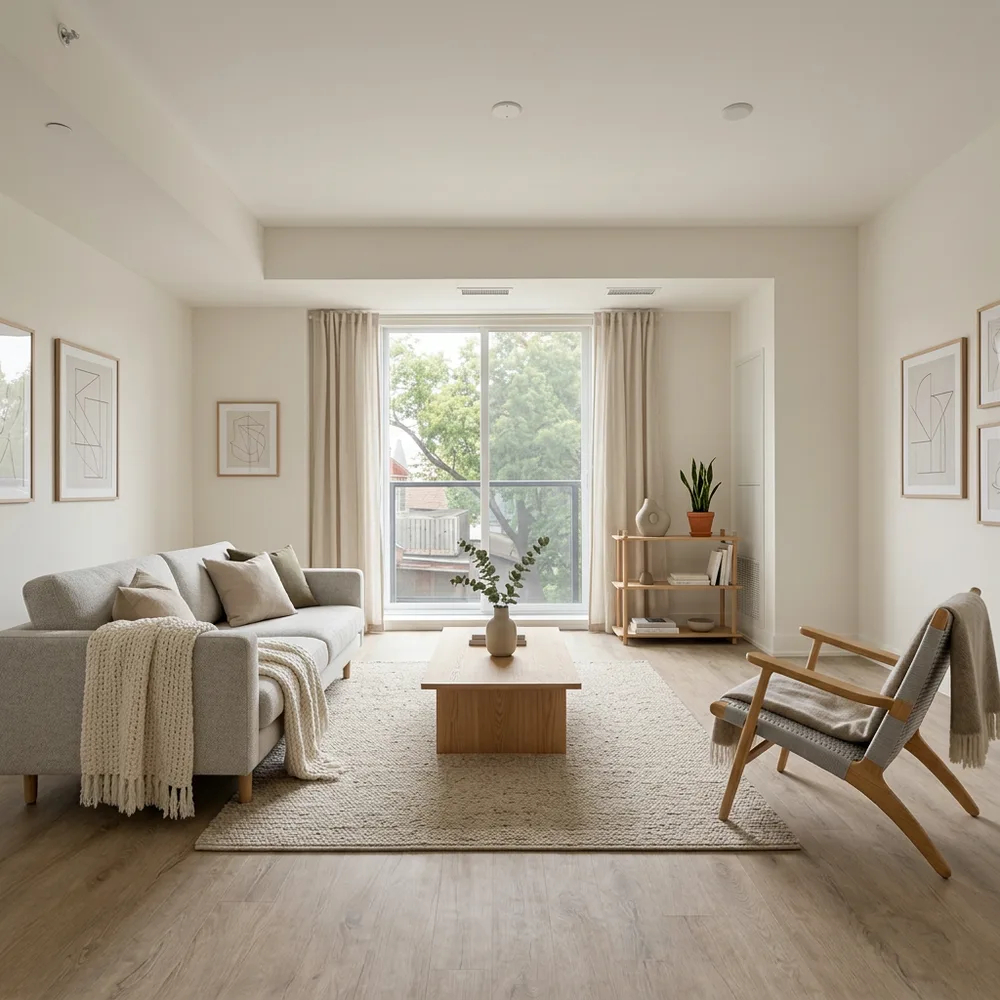
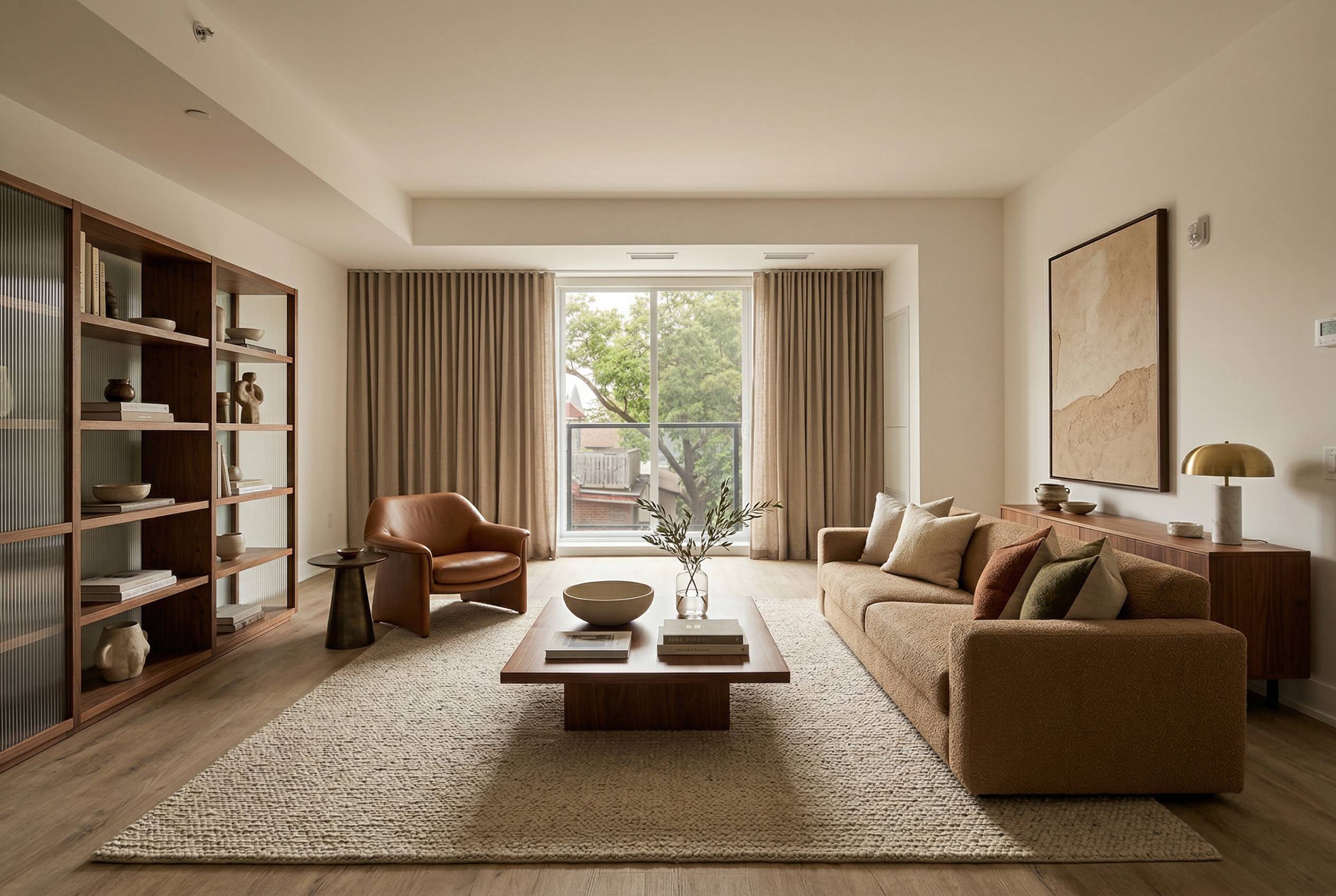
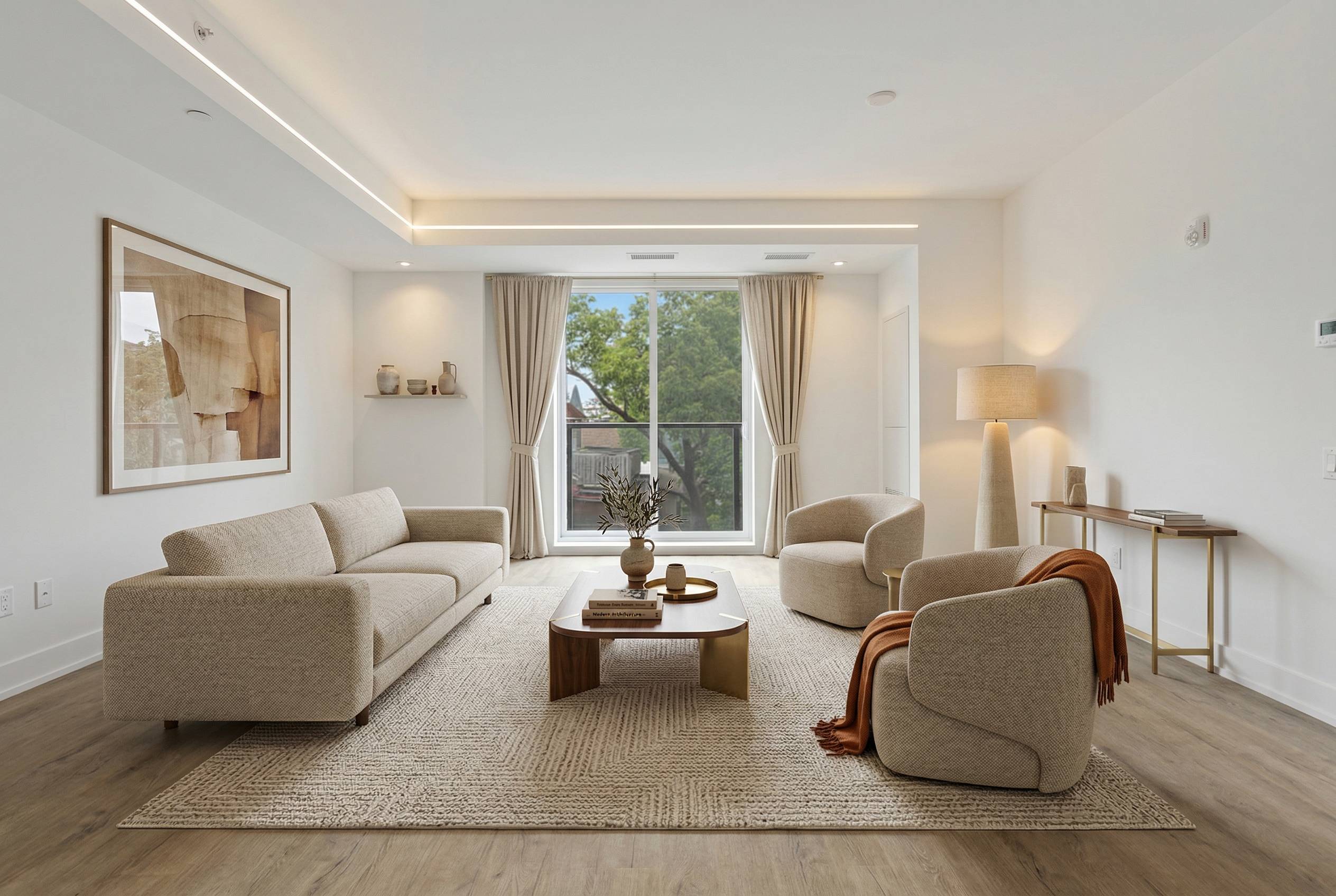
Furnishing an empty living room

Compare seating arrangements around the glazed opening at the back of this empty room.
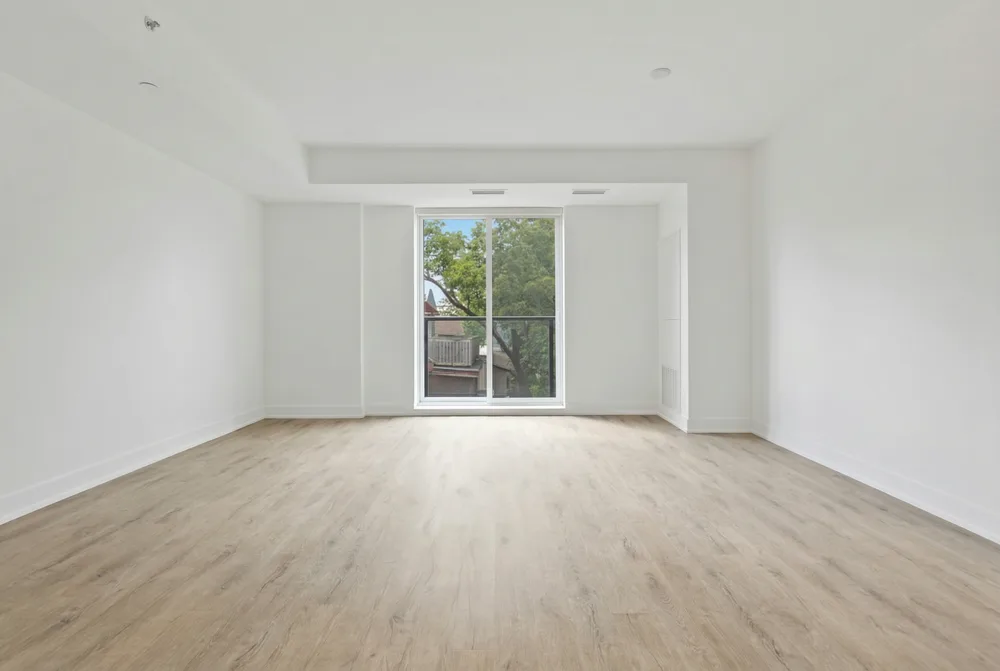
Source image view of the living room facing the rear glazed opening
Source image
Scandinavian view of the living room facing the rear glazed opening
Scandinavian

The back opening remains visible. The source is a wide photo and the results are square. Framing and window details vary, so check openings and clearances against your own measurements.

Archived output size: 1024 × 1024 px

Try this with your photo
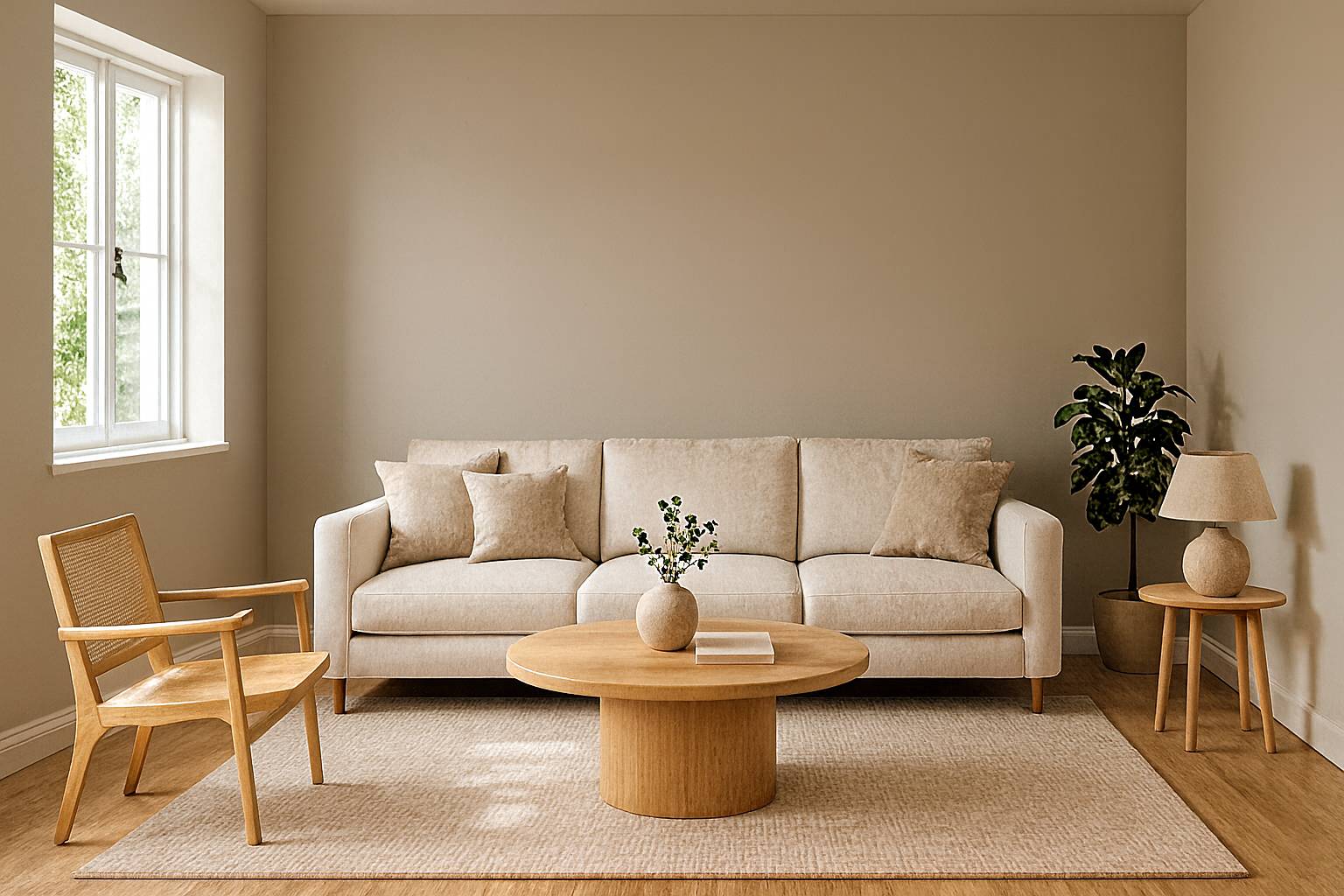
Two wall colors in the same living room

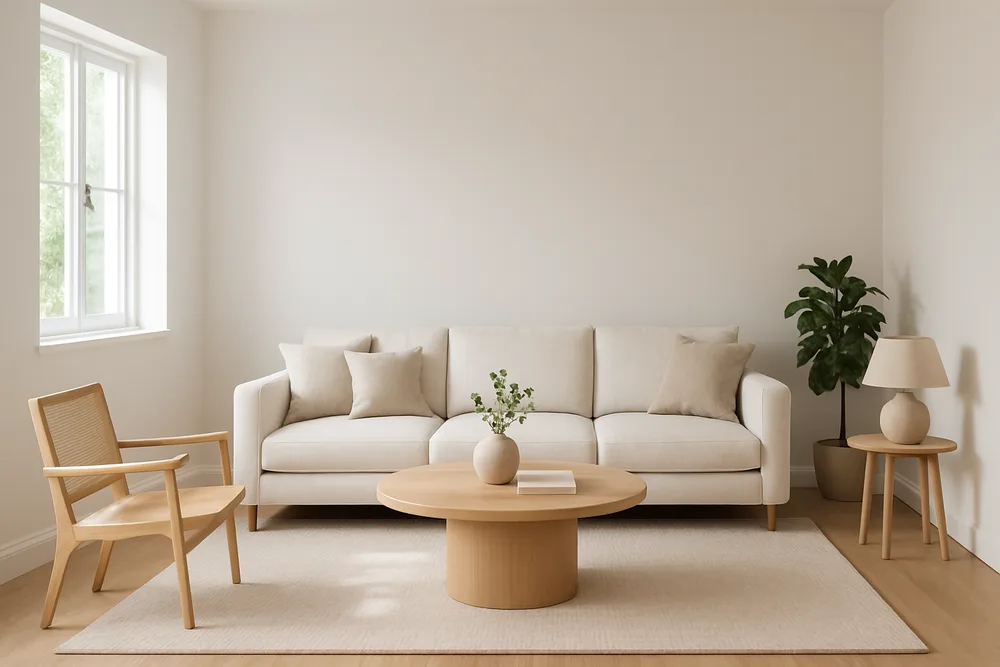
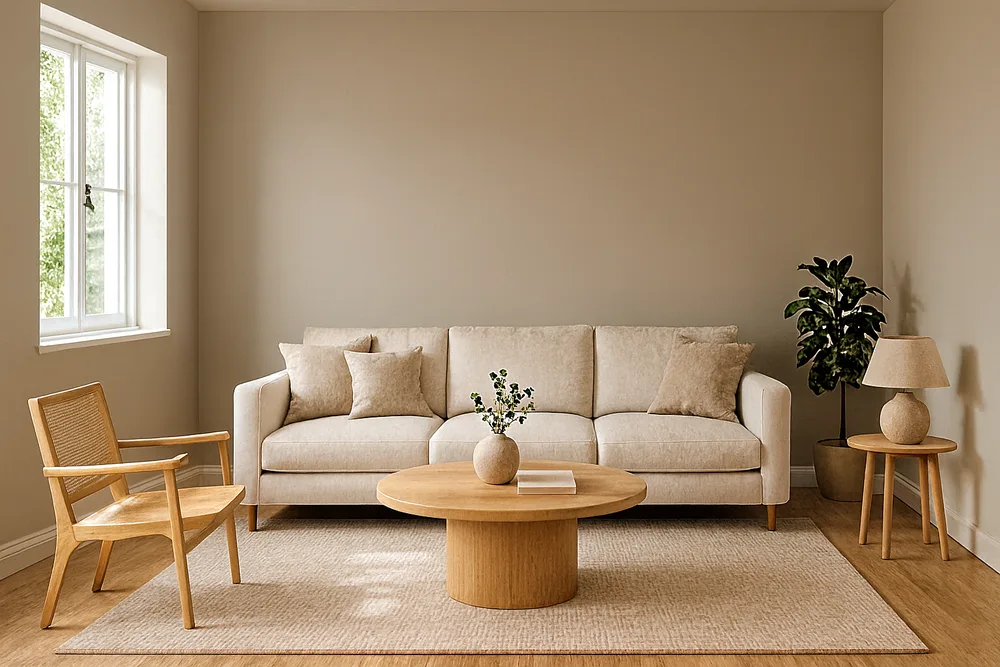
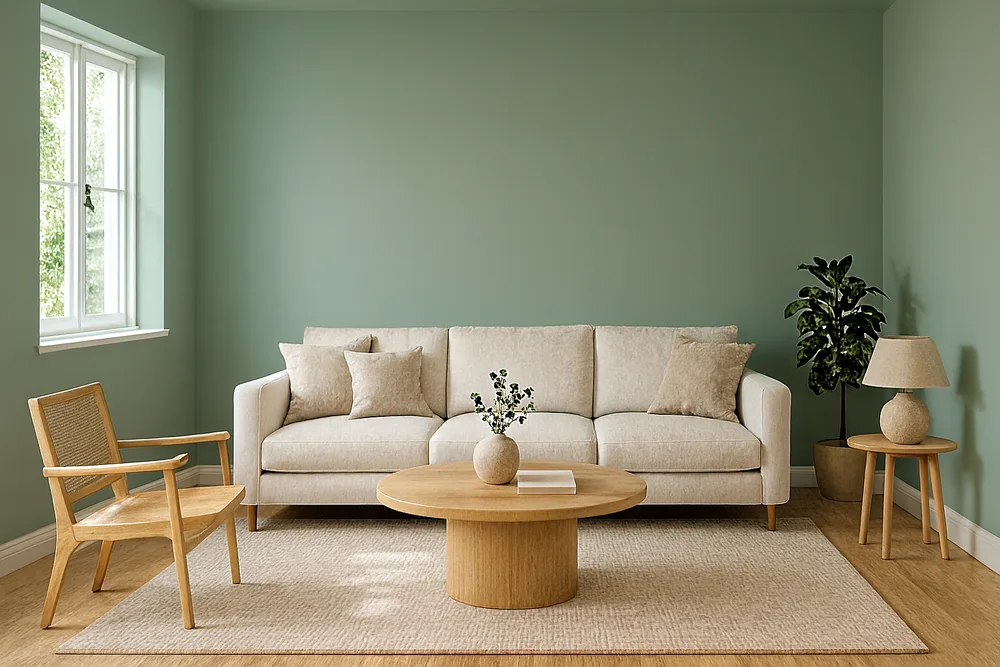
This team-created room image tests how warm greige and muted sage look beside the same cream sofa.

Source image living room with a cream sofa, left window and round wood table
Source image
Warm greige living room with a cream sofa, left window and round wood table
Warm greige
Muted sage living room with a cream sofa, left window and round wood table
Muted sage

The left window, sofa, armchair and round coffee table stay in place. The wood and upholstery also look warmer in the greige image. Check a real paint sample in the room’s light.

Archived output size: 1536 × 1024 px

Read the two original paint prompts

Edit only wall paint color. Keep camera angle, room layout, furniture shapes, furniture positions, flooring, lighting, windows, and decor exactly the same. Do not add, remove, or replace furniture. Apply a warm greige wall paint (soft beige-gray, low saturation) with realistic paint texture and natural shadows. Photorealistic. No text, no watermark.

Edit only wall paint color. Keep camera angle, room layout, furniture shapes, furniture positions, flooring, lighting, windows, and decor exactly the same. Do not add, remove, or replace furniture. Apply a muted sage-green wall paint (desaturated, elegant, modern) with realistic paint finish and natural shadows. Photorealistic. No text, no watermark.

Try this with your photo

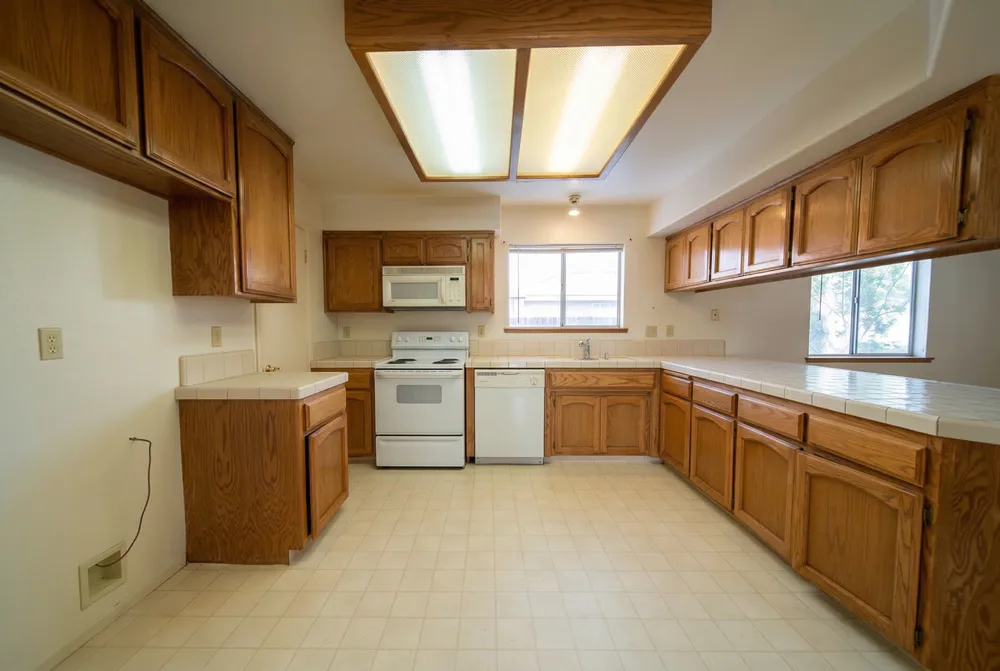
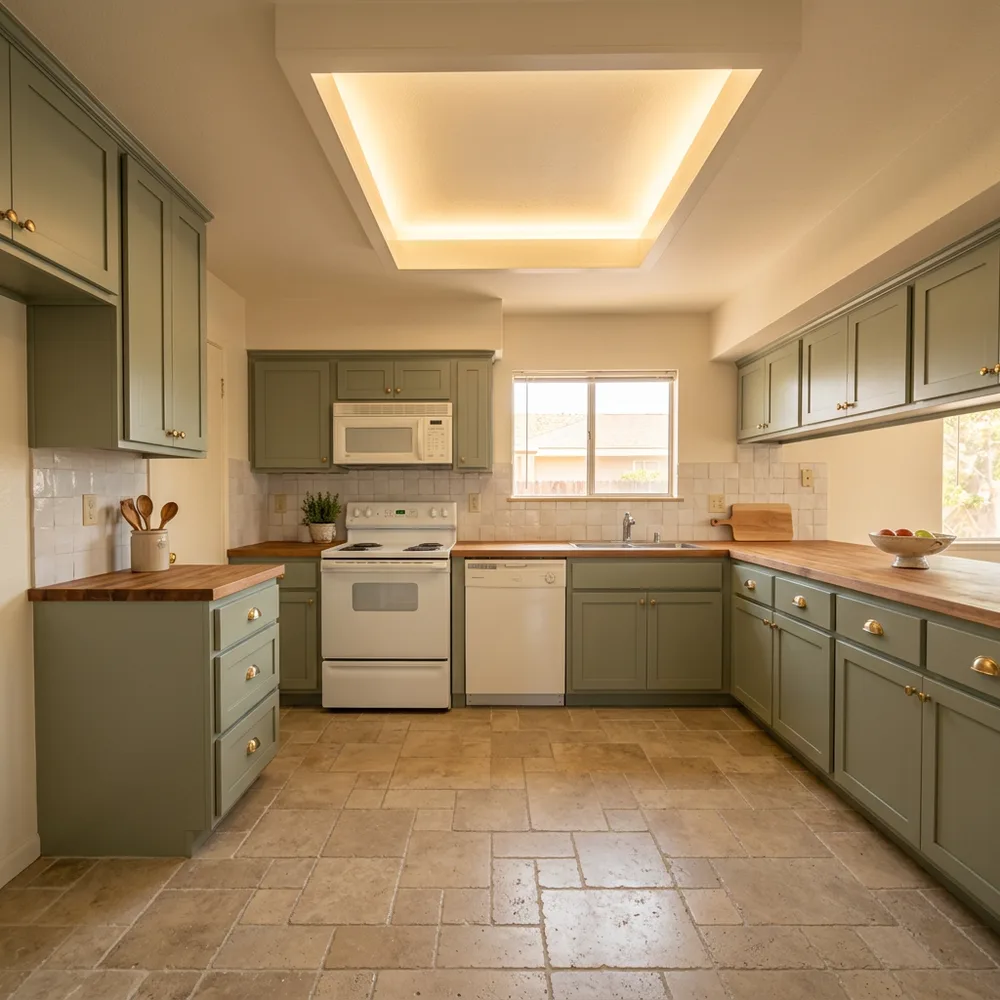
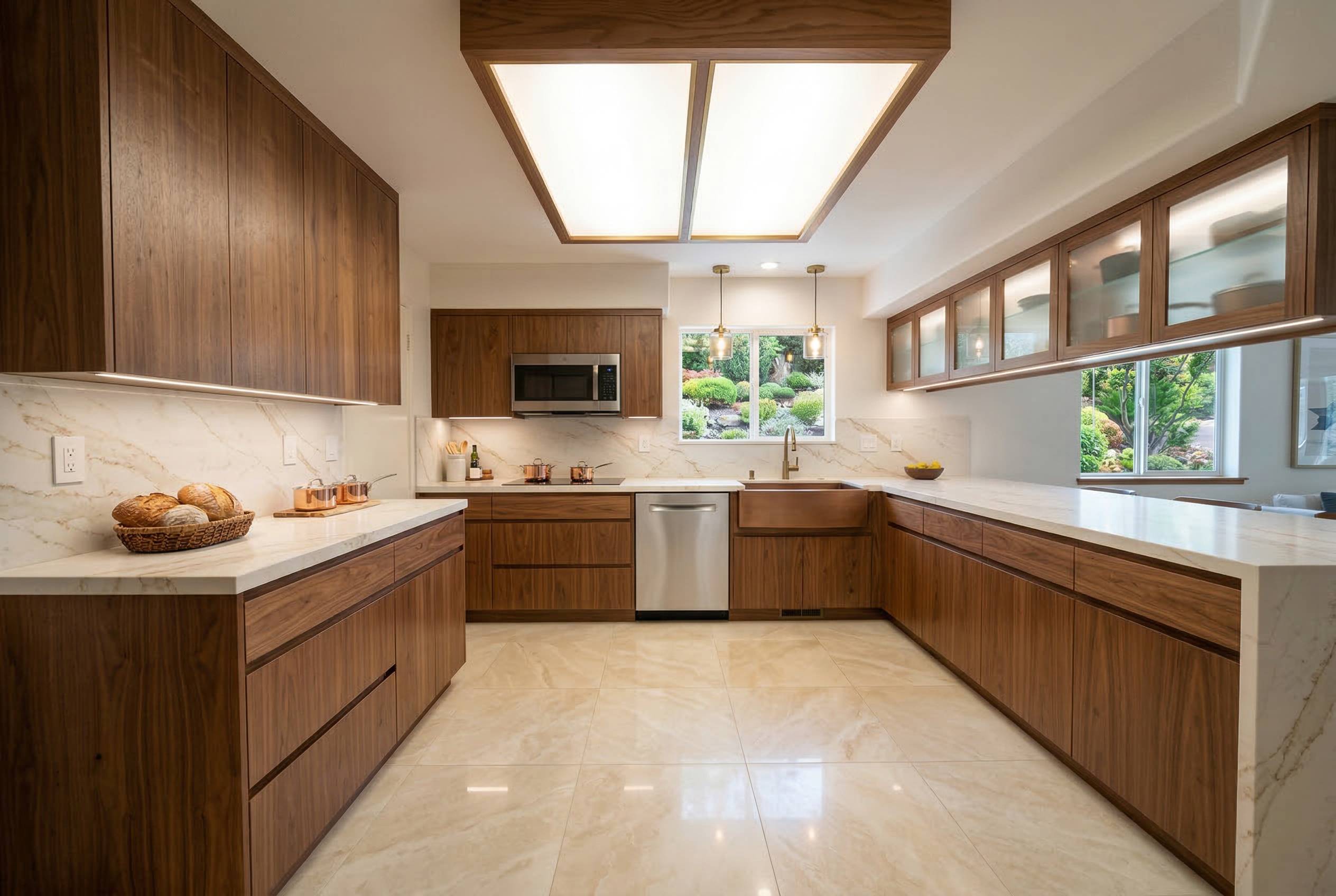
A farmhouse finish for the kitchen

See how cabinet color, worktops and flooring change the feel of the same kitchen.

Kitchen viewed along the cabinets toward the rear wall, Source image
Source image
Kitchen viewed along the cabinets toward the rear wall, Warm farmhouse
Warm farmhouse

The rear window remains visible in both views. Follow the cabinet fronts and countertop along the wall to compare the finishes. The square preview shows a tighter crop than the source.

Archived output size: 1024 × 1024 px

Try this with your photo
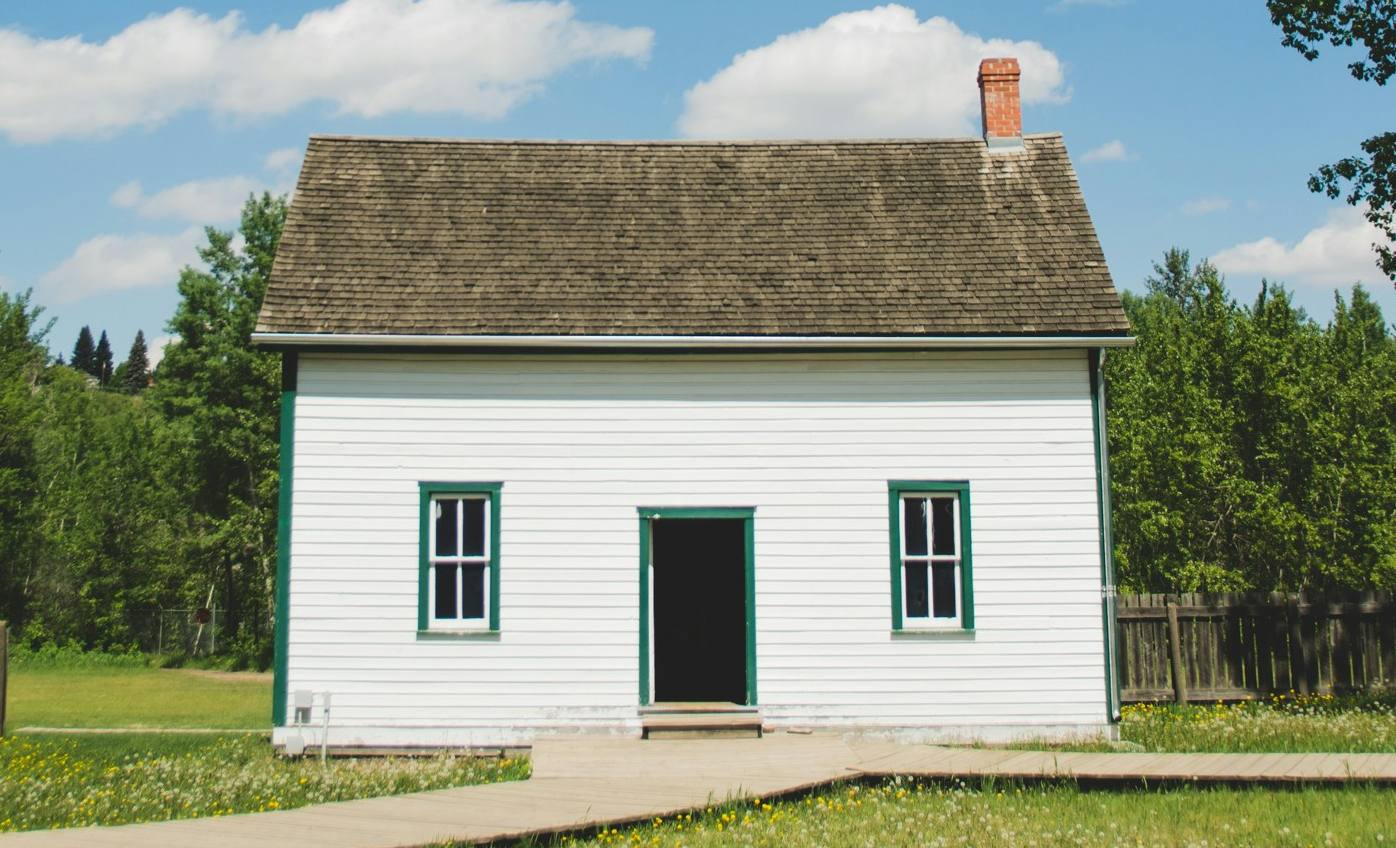
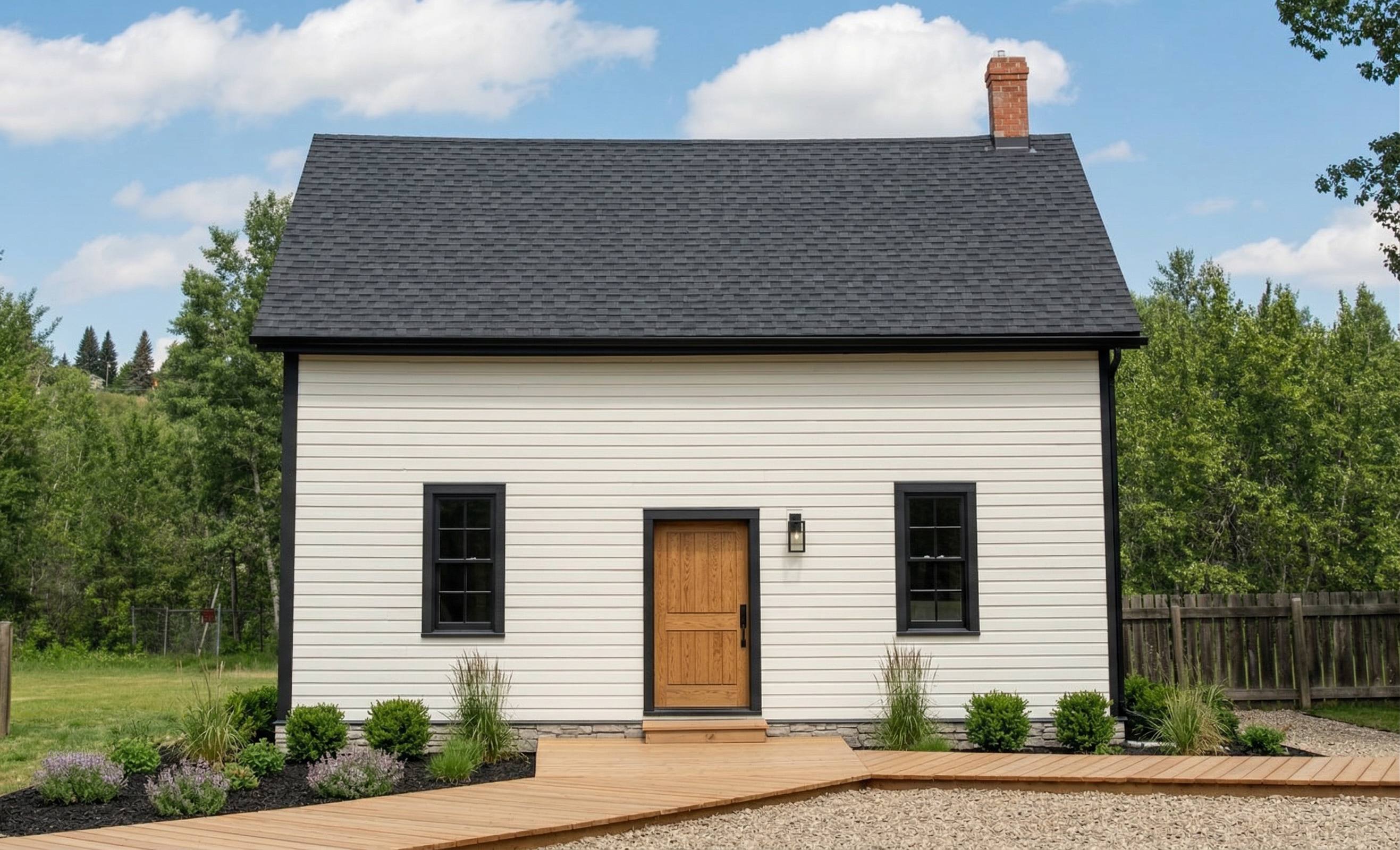
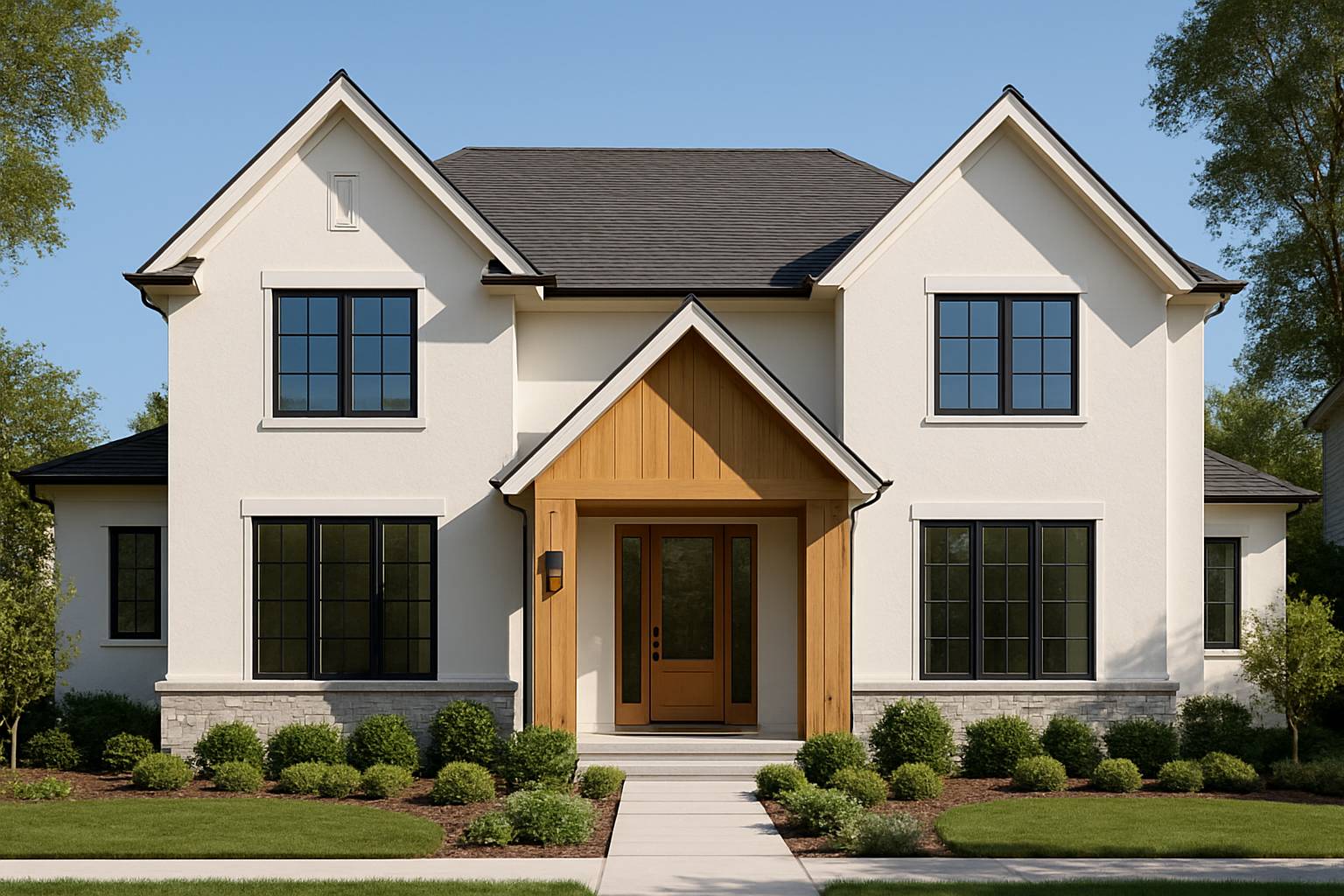
What stayed in place in this facade preview?

Source view with a chimney, two front windows and a central entry
Illustrated facade with darker trim, a timber door and new planting

In this illustrative pair, the roofline, chimney, two window openings and doorway line up. The path and planting change. In the workspace, preservation is requested through the prompt. Check each result against your photo and measurements.

Exterior House Paint Visualizer

Visualize Furniture in Your Own Room

Start with your room photo. Add up to five furniture references as files or direct image links, then describe where to place each piece. Compare silhouettes, colors and materials. Check the retailer’s measurements for fit and allow for differences in product details.

Add furniture references
Browse the before-and-after gallery

How HousesDecorate works

Upload a House or Room Photo

Start with an interior snapshot, an exterior photo, or any area you want to redesign.

Choose Your Style Direction

Select modern, minimalist, traditional, Japandi, and more to match the mood you want.

Generate Decorated Concepts

Get polished design visuals you can compare, save, and use as a clear direction for your home.

Beautiful design, built for real homes

Interior, Exterior & Room Coverage

Create concepts for living rooms, bedrooms, kitchens, facades, patios, and more in one home-design workflow.

Fast Visual Iteration

Compare finishes or furniture on the same photo before ordering samples.

Presentation-Ready Results

Generate clean, photorealistic visuals you can share with family, clients, contractors, or real-estate stakeholders.

Pricing

Monthly credits refresh each billing cycle. Choose Standard (1K) for 5 credits or HD (2K) for 10.

Pro

700 credits per month

$19.90/month
  • Up to 140 Standard or 70 HD designs
  • Commercial use under the Terms of Service

Premier

1,700 credits per month

$49.90/month
  • Up to 340 Standard or 170 HD designs
  • Commercial use under the Terms of Service

Frequently Asked Questions

What is HousesDecorate?

HousesDecorate turns a photo of your home or yard into design concepts you can compare before choosing colors, finishes or furniture.

Can I design both interior and exterior spaces?

Yes. You can use HousesDecorate for living rooms, bedrooms, kitchens, bathrooms, home offices, exterior facades, patios, and other house-related spaces.

Do I need professional design experience?

No. HousesDecorate is built for homeowners, decorators, real-estate teams, and professionals who want to explore ideas quickly without complicated software.

Can I use the designs for client or renovation projects?

Yes. You can use generated concepts to communicate style direction with contractors, clients, or collaborators. Paid plans include commercial usage rights.

How long does it take to generate a design?

Timing varies with the image, output size and model availability. You can follow the request in the workspace.

How is my uploaded image data handled?

Photos and reference images are sent to Google Gemini for generation. Outputs are saved to your account library. See the privacy policy for storage and deletion details.

Ready to redesign your home?

Create interior concepts, exterior ideas, and room makeovers in minutes with HousesDecorate.

Start Designing
AI Home Design from a Photo | HousesDecorate