Lighting Context
Match daylight or evening mood so paint tones look realistic.
Use this room paint visualizer to preview multiple wall color directions in minutes. Compare warm, cool, and neutral paint options before committing.
Use realistic wall color previews on your own room so you can reduce uncertainty before buying paint.
Keep your existing furniture and layout visible while testing wall color changes.
Compare two paint directions under the same room context for cleaner judgment.
Share visual options to align quickly with family, clients, or contractors.
Compare your current wall color with two paint directions before purchasing paint.
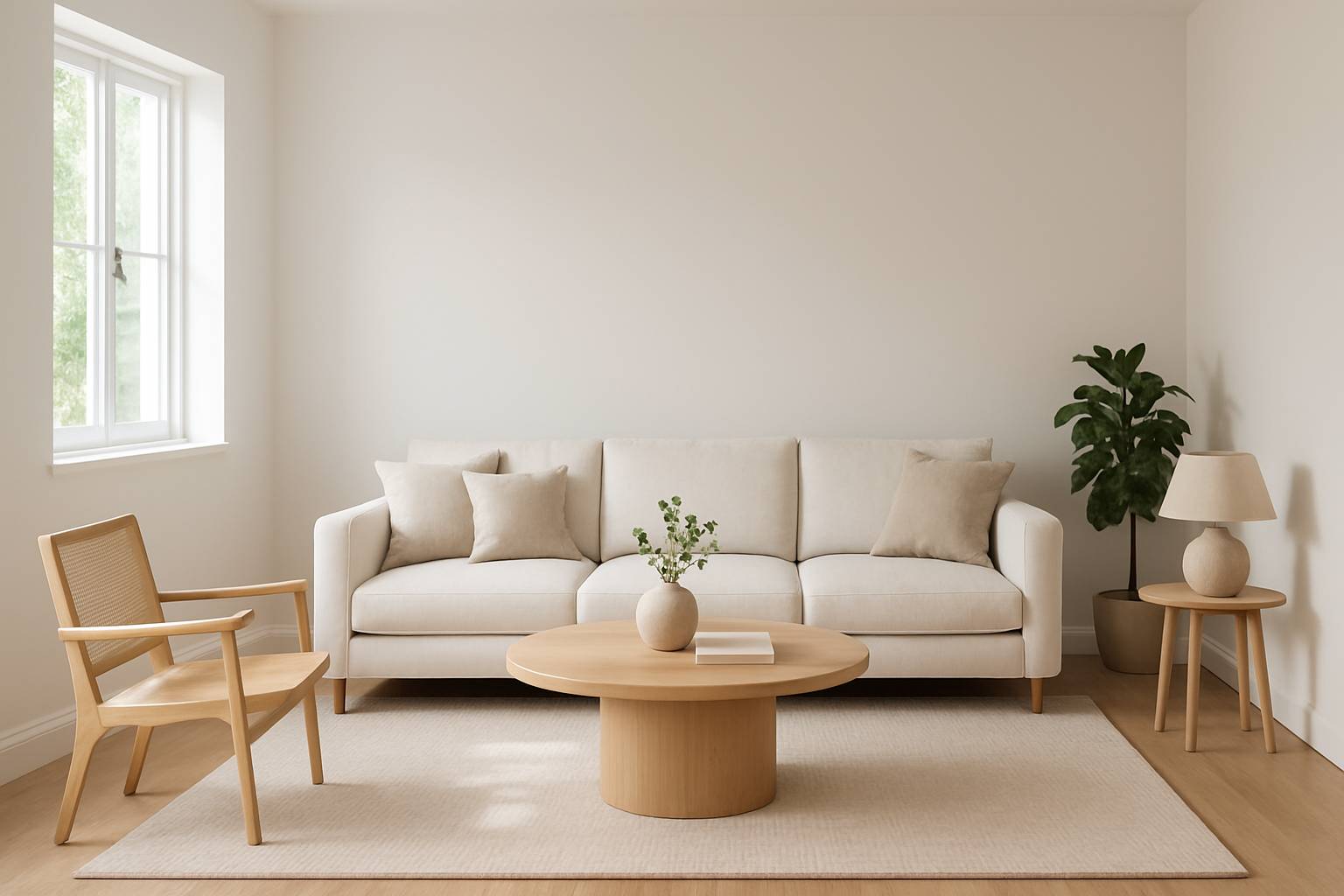
Your room before repainting.
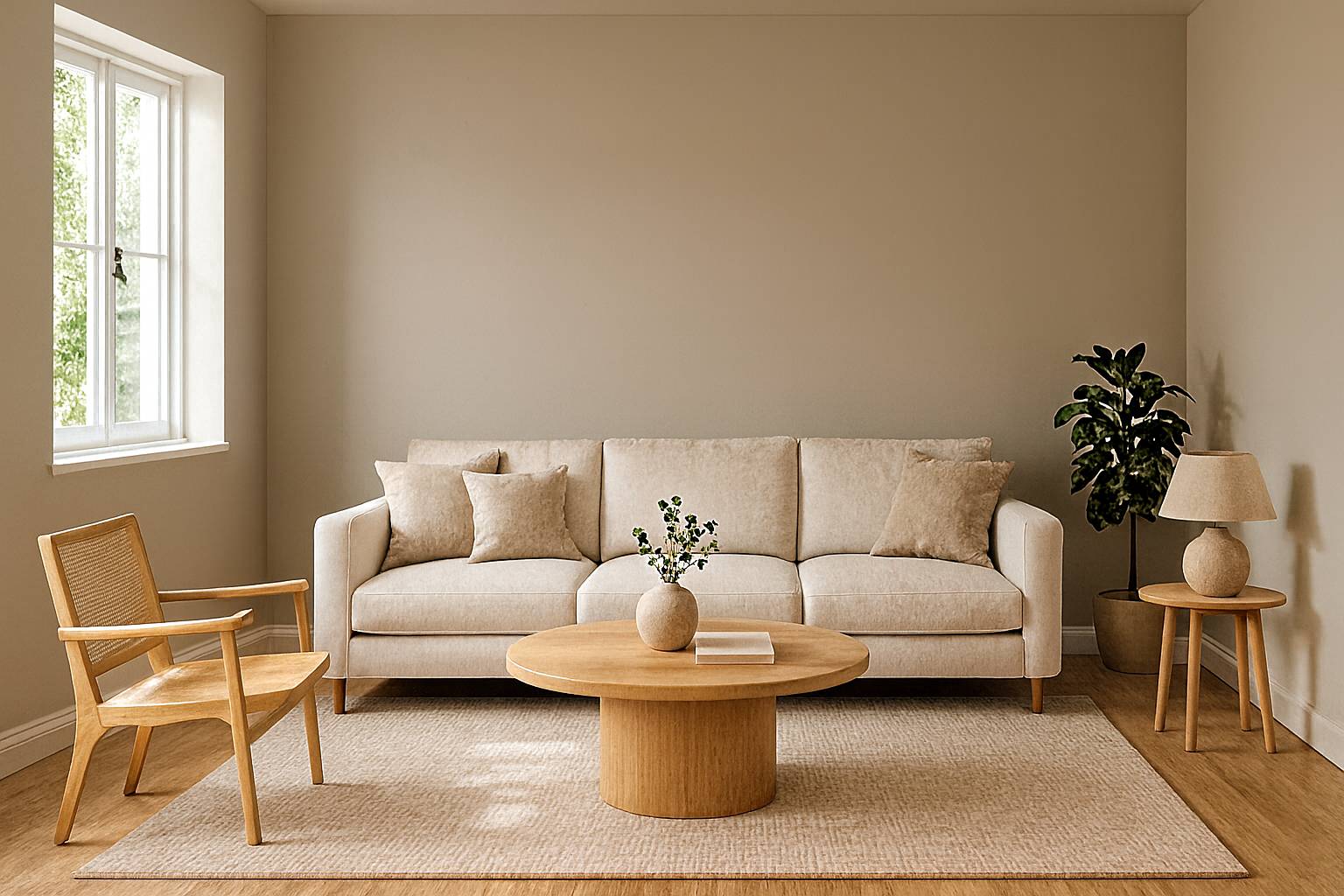
A first wall paint direction to test.
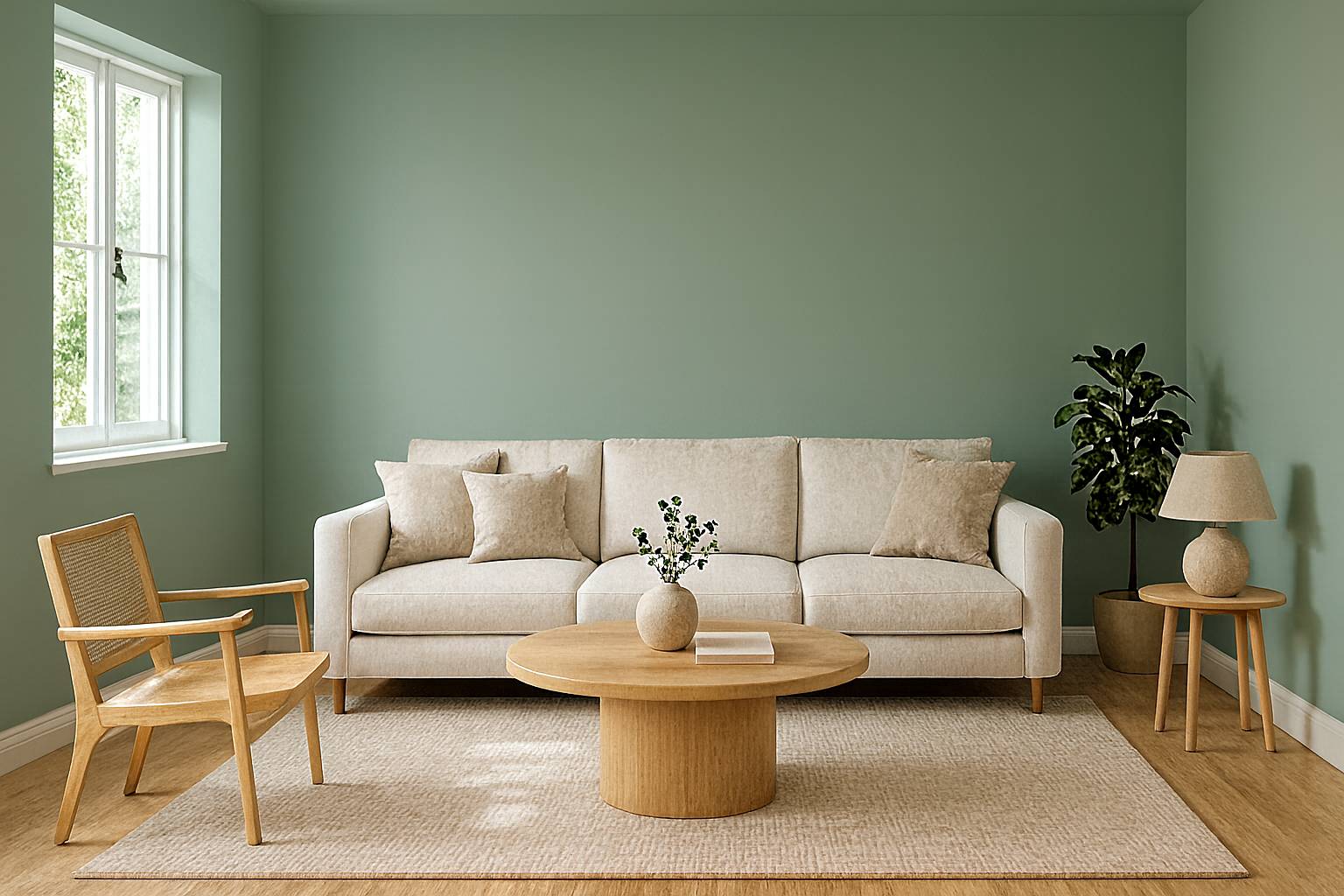
A second direction for side-by-side comparison.
A fast process for wall color testing before decoration or renovation.
Use one bright image with visible walls and natural lighting.
Choose the palette mood you want to test on the space.
Review multiple paint options and pick the most practical direction.
Paint brands and visualizer tools consistently recommend validating digital previews before purchase.
Check your favorite option in morning, afternoon, and evening lighting.
Compare wall tone against fixed elements like flooring, cabinets, and countertops.
Confirm the paint finish you plan to use (matte, eggshell, satin) because sheen changes color perception.
Test 1-2 finalists with physical samples before full-room painting.
On-screen colors vary by device settings. Use virtual previews to shortlist options, then confirm with real paint samples.
Yes. Upload one clear room photo to preview paint colors on your space.
Yes. Generate multiple variants and compare side by side before deciding.
Yes. You can start free and upgrade later if you need more generations.
Digital previews are directional. Lighting, device screens, and finish level can shift appearance, so confirm finalists with physical samples.
Yes. Smaller rooms are common and can benefit from color comparison before repainting.
Set these three inputs before generation for cleaner comparisons.
Match daylight or evening mood so paint tones look realistic.
Decide warm, cool, or neutral before testing exact variants.
Choose full-wall repaint vs accent wall to keep outputs actionable.
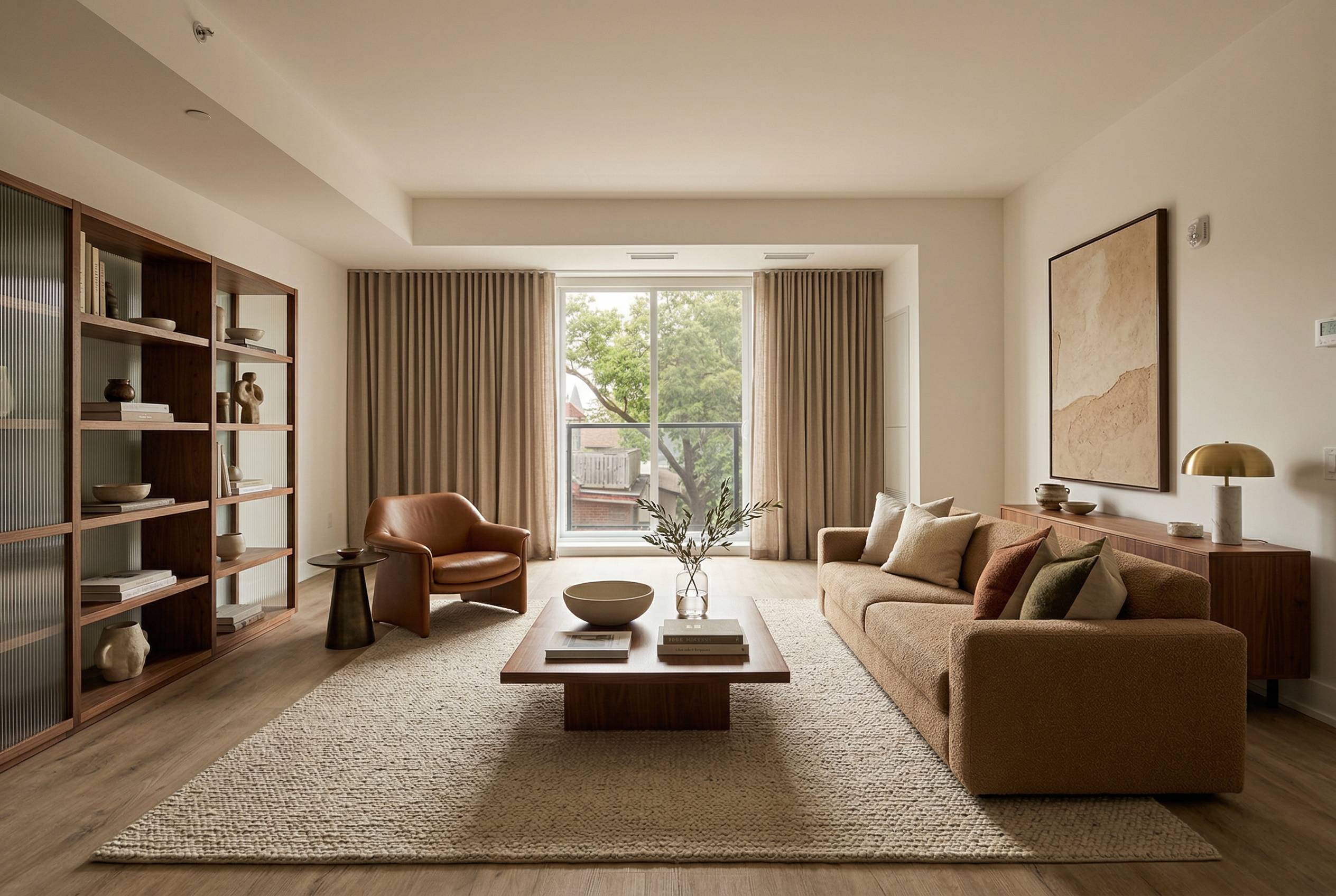
Explore full-room interior directions before renovation or furniture spending.
Explore Page: AI Interior Design
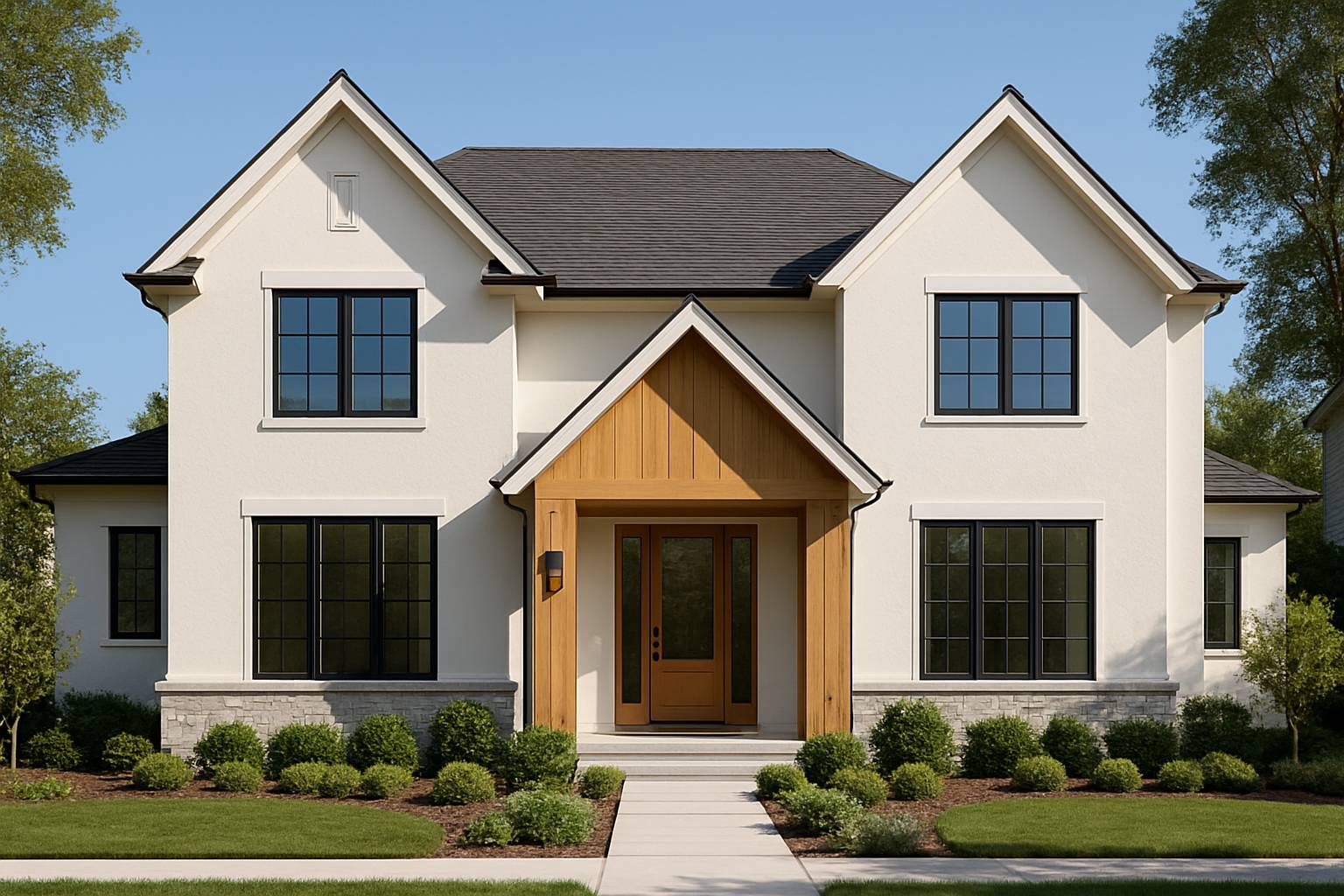
Preview curb appeal, facade style, and material directions before exterior renovation work.
Explore Page: AI Exterior Design
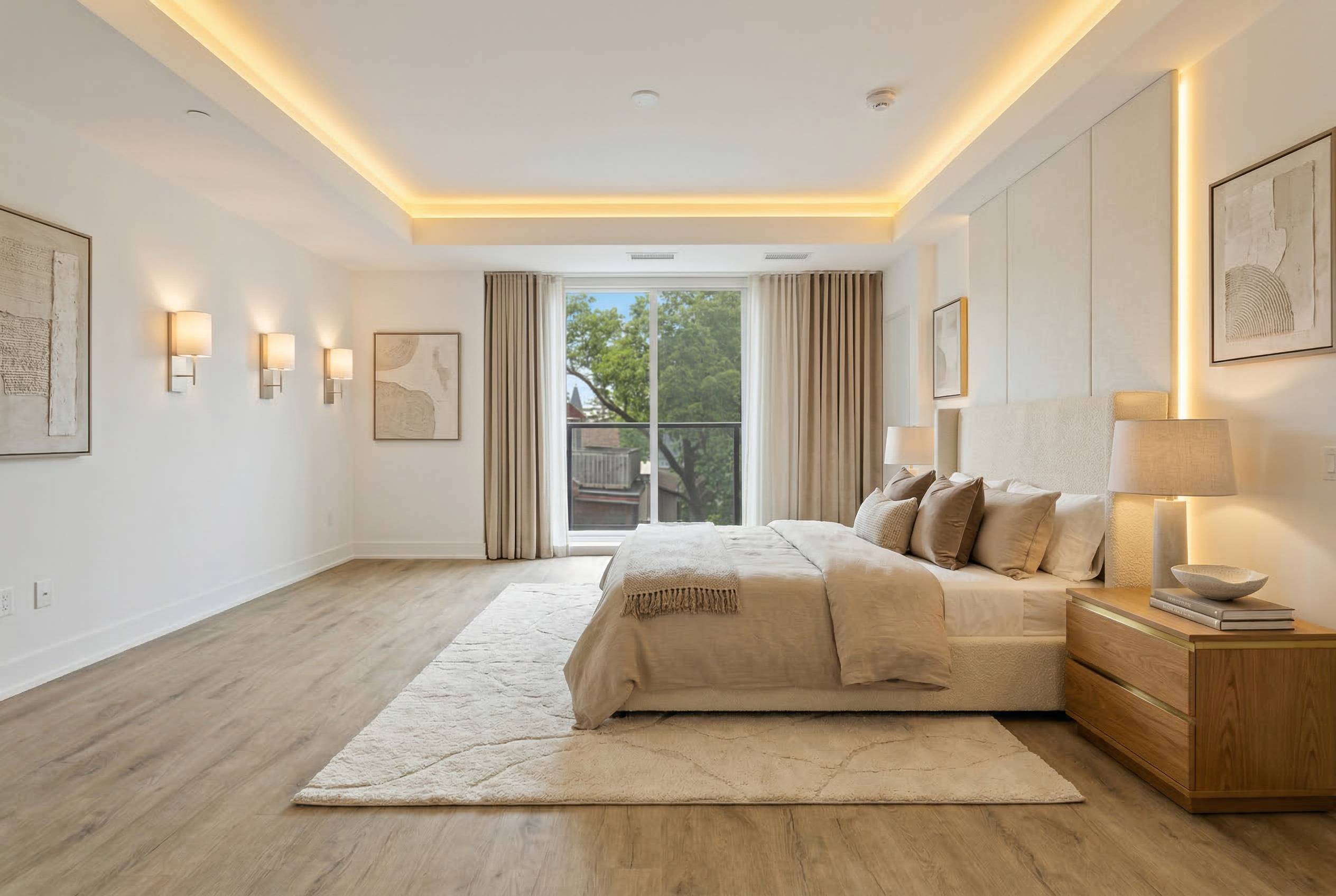
Compare bedroom layouts and style moods for better sleep and comfort.
Explore Page: AI Bedroom Design
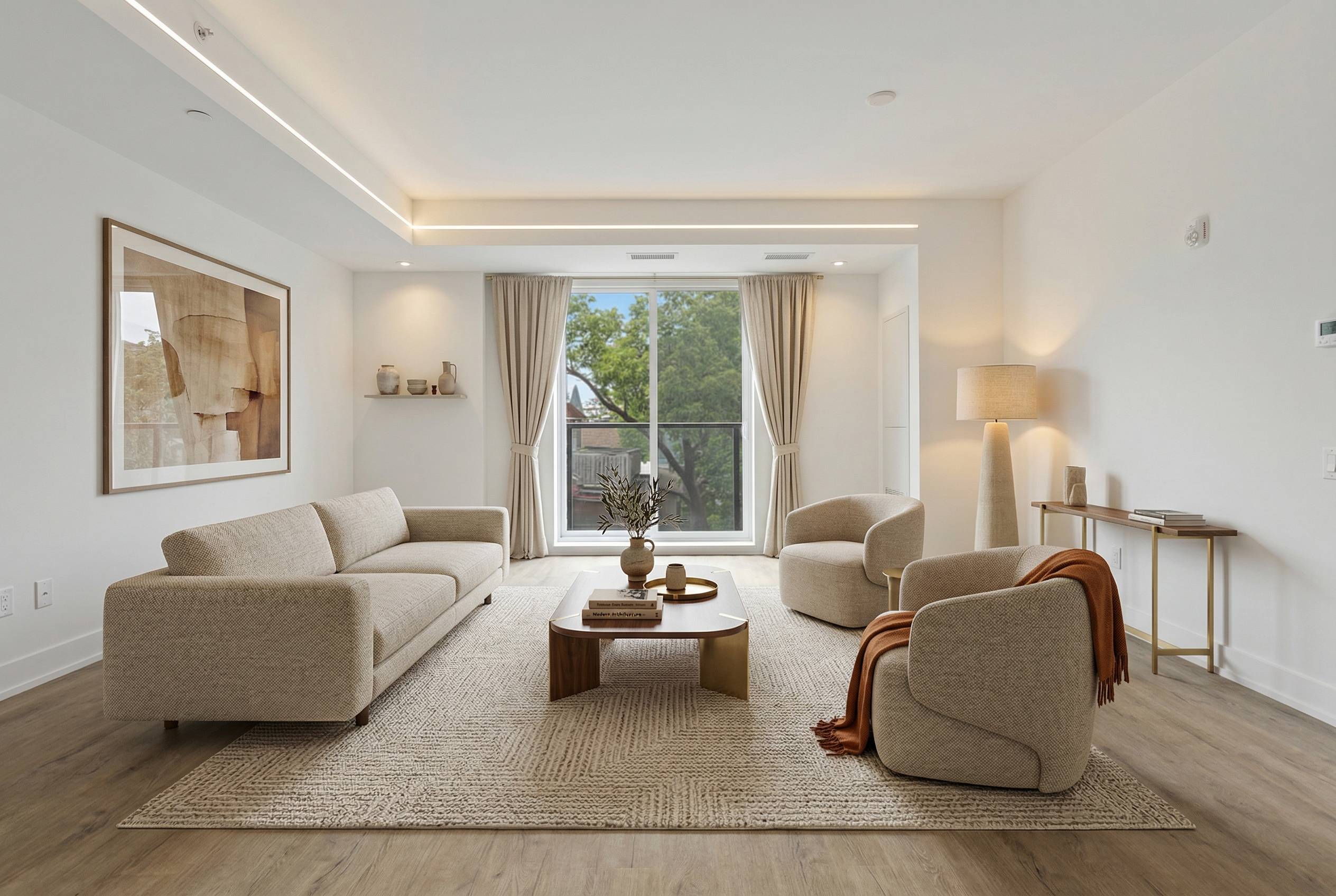
Test living room layout and decor directions for daily use and hosting.
Explore Page: AI Living Room Design
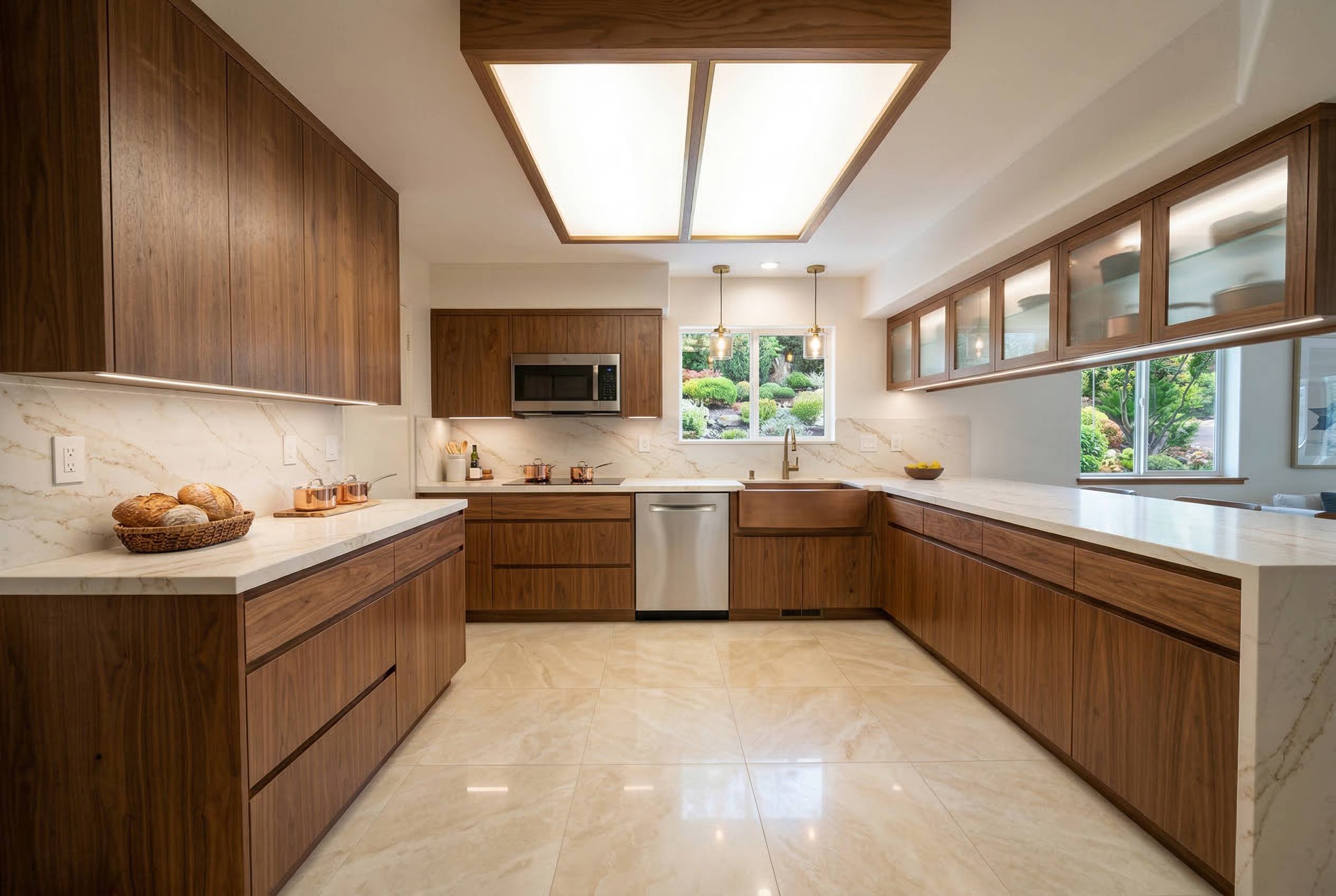
Preview kitchen layout, cabinet, and finish directions before remodel work.
Explore Page: AI Kitchen Design
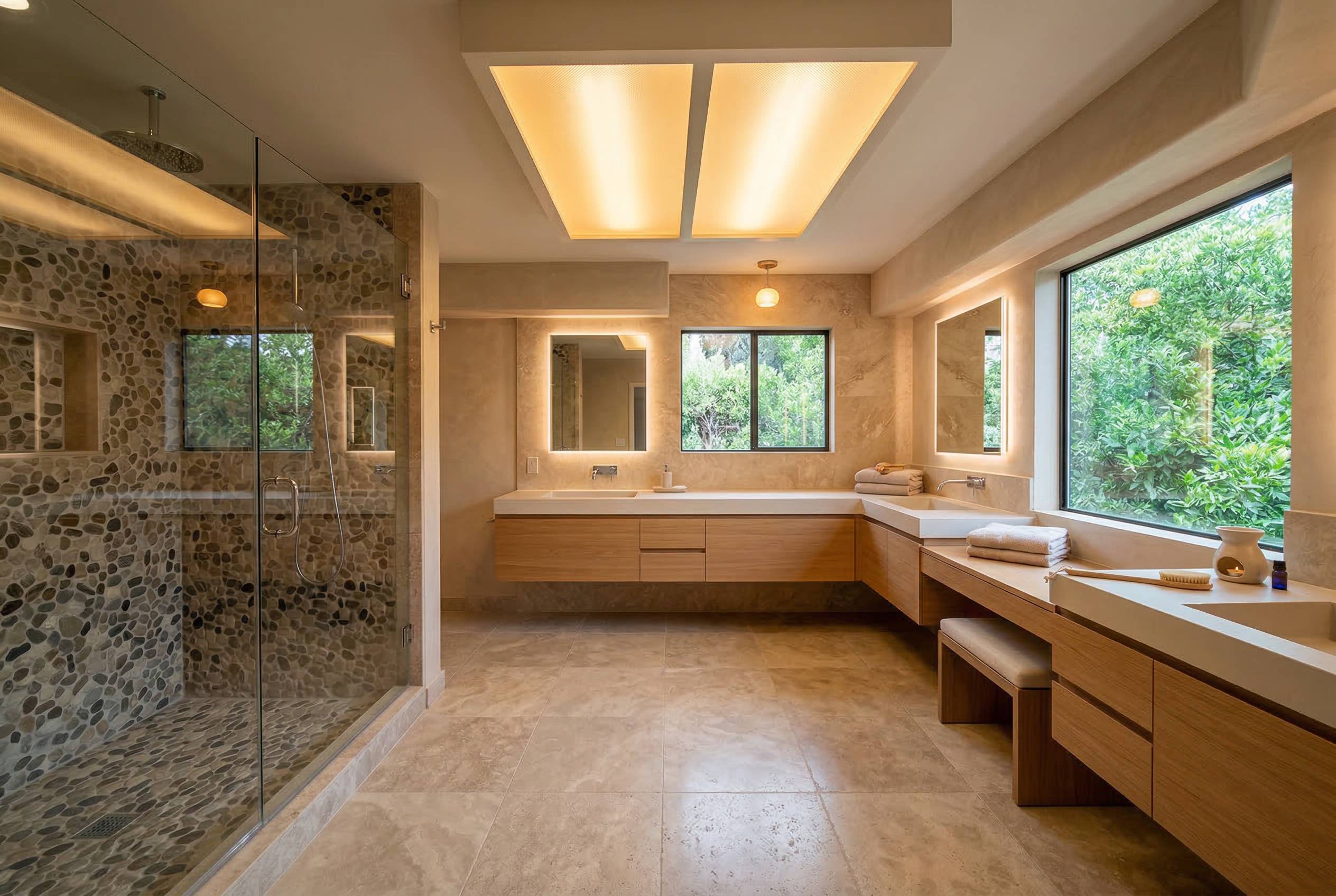
Compare bathroom remodel options for layout, tile, and fixture direction.
Explore Page: AI Bathroom Design
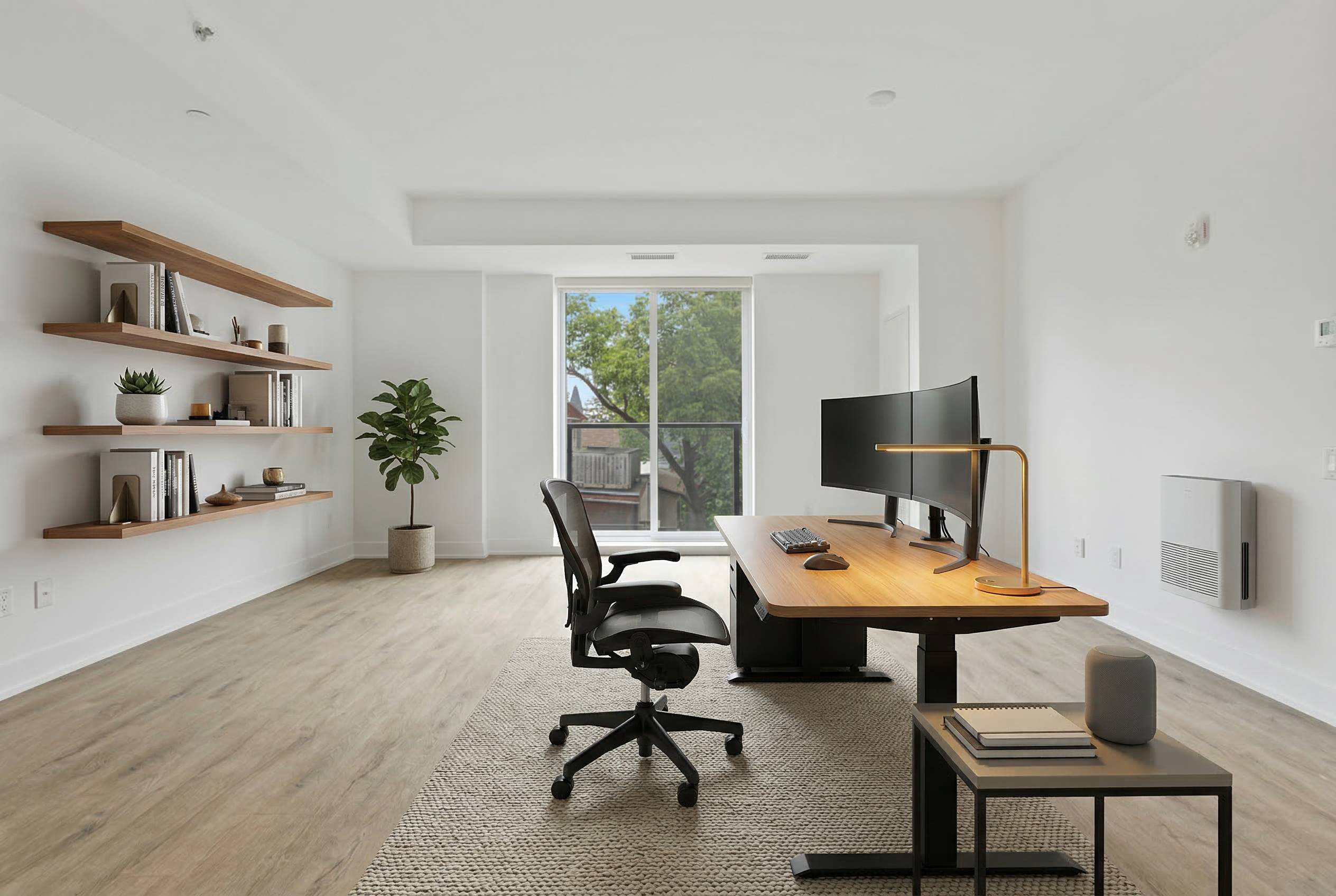
Plan office setups for focus, ergonomics, and cleaner workspace flow.
Explore Page: AI Office Design
Upload your photo, compare paint outcomes, and choose your next wall color with confidence.
Start free and keep iterating until the color direction feels right.